Share a link
Open your portfolio, LinkedIn, social profile, menu or any other page
NFC STICKER GUIDE
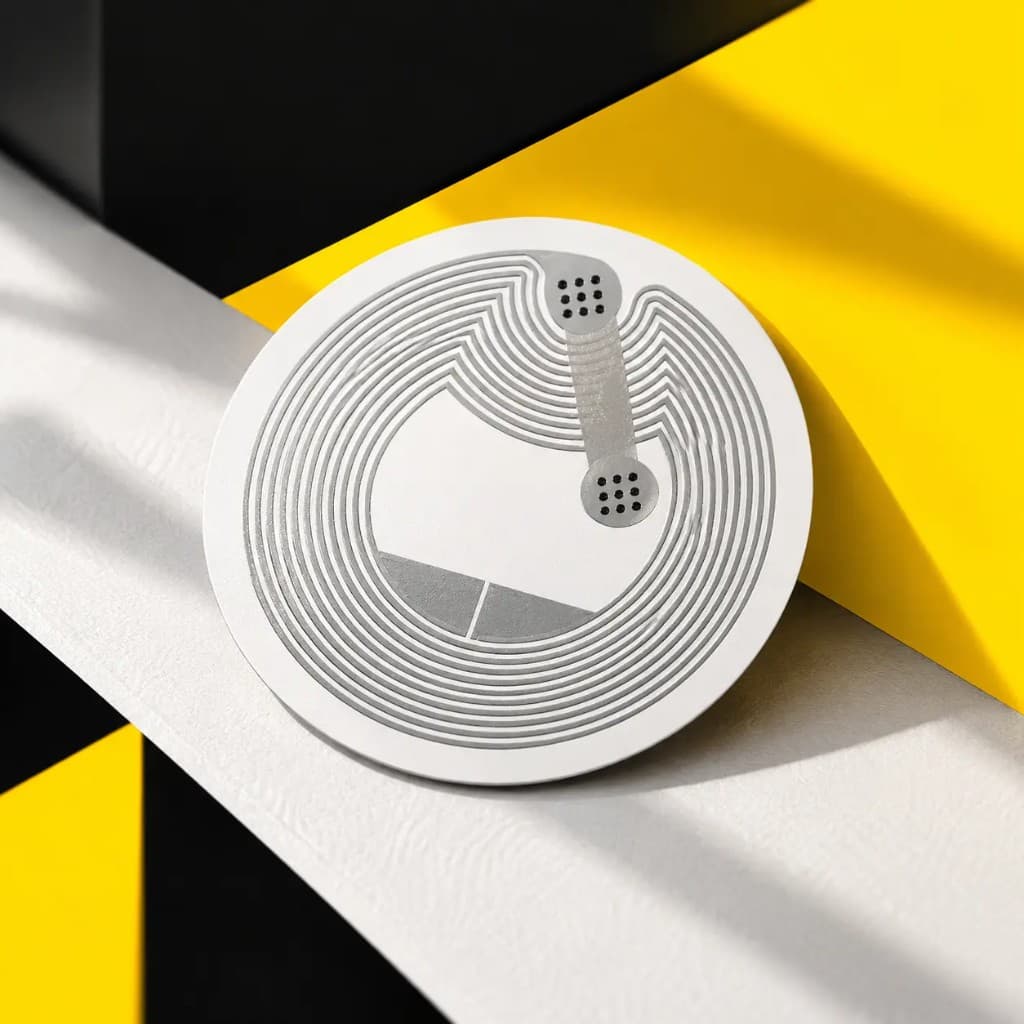
You won a rewritable NFC sticker
It brought you here once. Now you can rewrite it and turn it into something actually useful
Open your portfolio, LinkedIn, social profile, menu or any other page
Turn it into a simple digital contact card
Open WhatsApp, prepare a message, email someone or start a call
Open a location, meeting point or useful address
Use the sticker as a physical trigger for an iPhone Shortcut
Use it with Shortcuts or your smart home to trigger everyday actions
Write something onto the sticker if other people should get the info. Keep the sticker as is and use Shortcuts if only your iPhone should react
SHARE SOMETHING
Store a link, contact, text or another NFC record directly on the tag
Useful when you want other people to scan it
AUTOMATE SOMETHING
Your iPhone can recognize this specific sticker and run a Shortcut when you scan it
Useful when you want to scan it yourself
You can replace what is currently stored on it whenever you want
01
Install NFC Tools on your phone
02
Open Write, tap Add a record and choose a link, text, contact or another option
03
Tap Write and hold the top of your iPhone close to the sticker until the app confirms it
04
Close the app and scan the sticker normally to check the result
Stick it somewhere you already touch every day and let that tap start a small routine
Bedside
Desk
Leaving home
Smart home
You can change what is stored on the sticker whenever you need
Standard NFC stickers can have trouble scanning when attached directly to metal
Some NFC apps include a permanent lock option. Do not use it unless you intentionally want to prevent future changes